
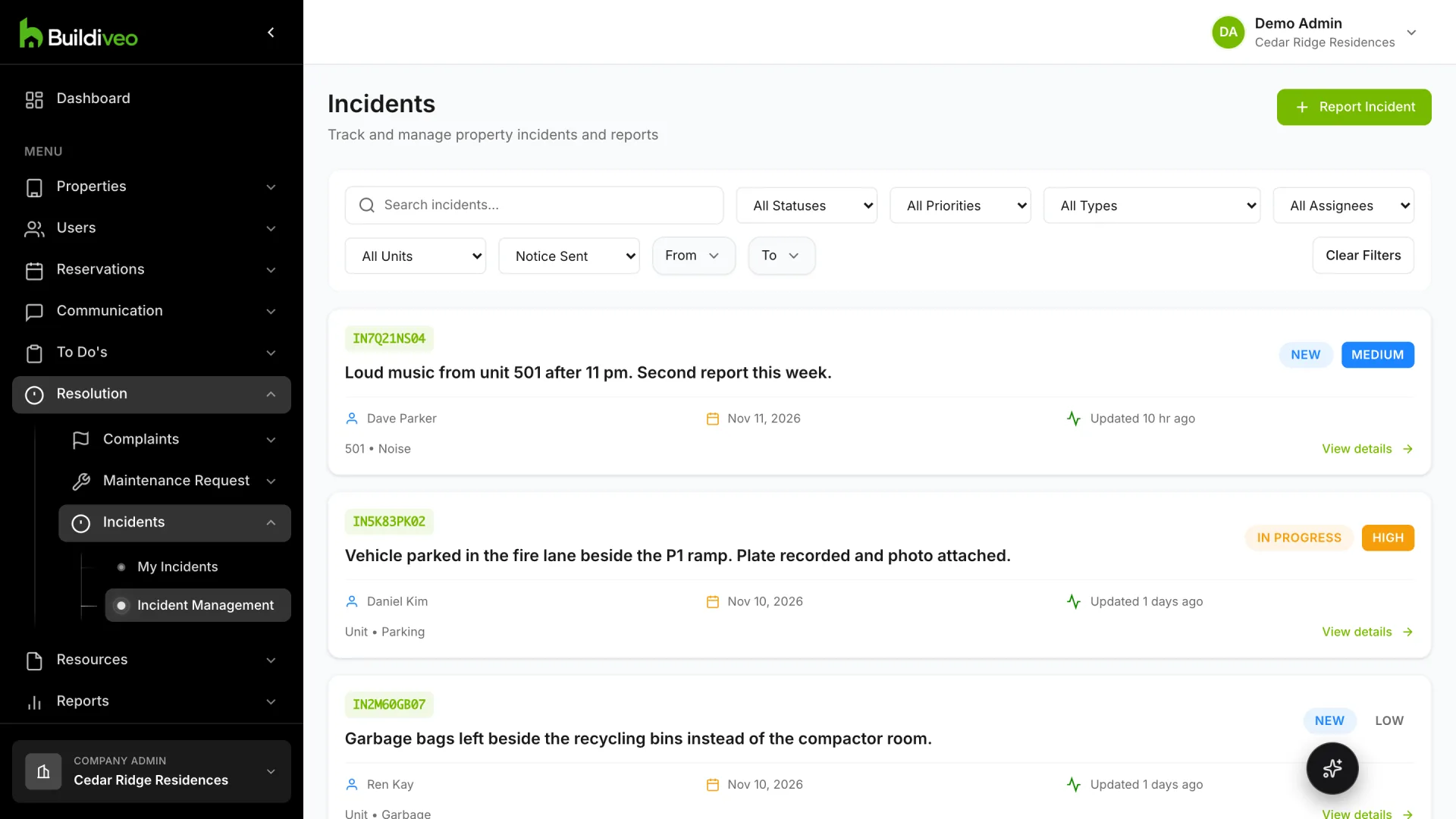
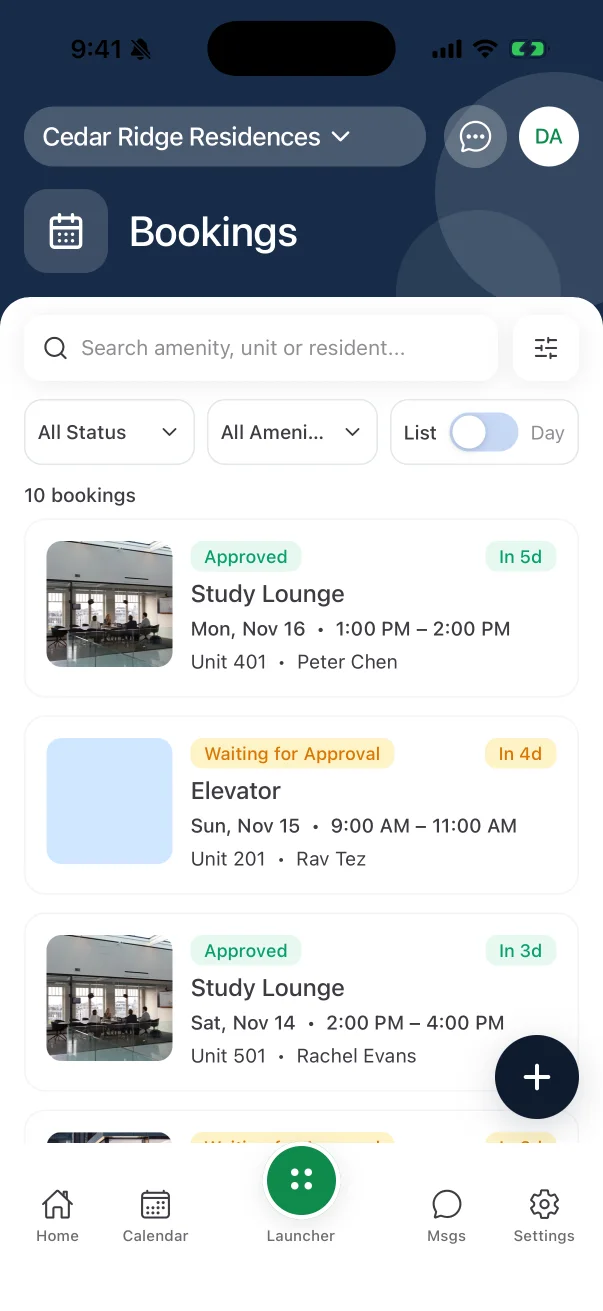
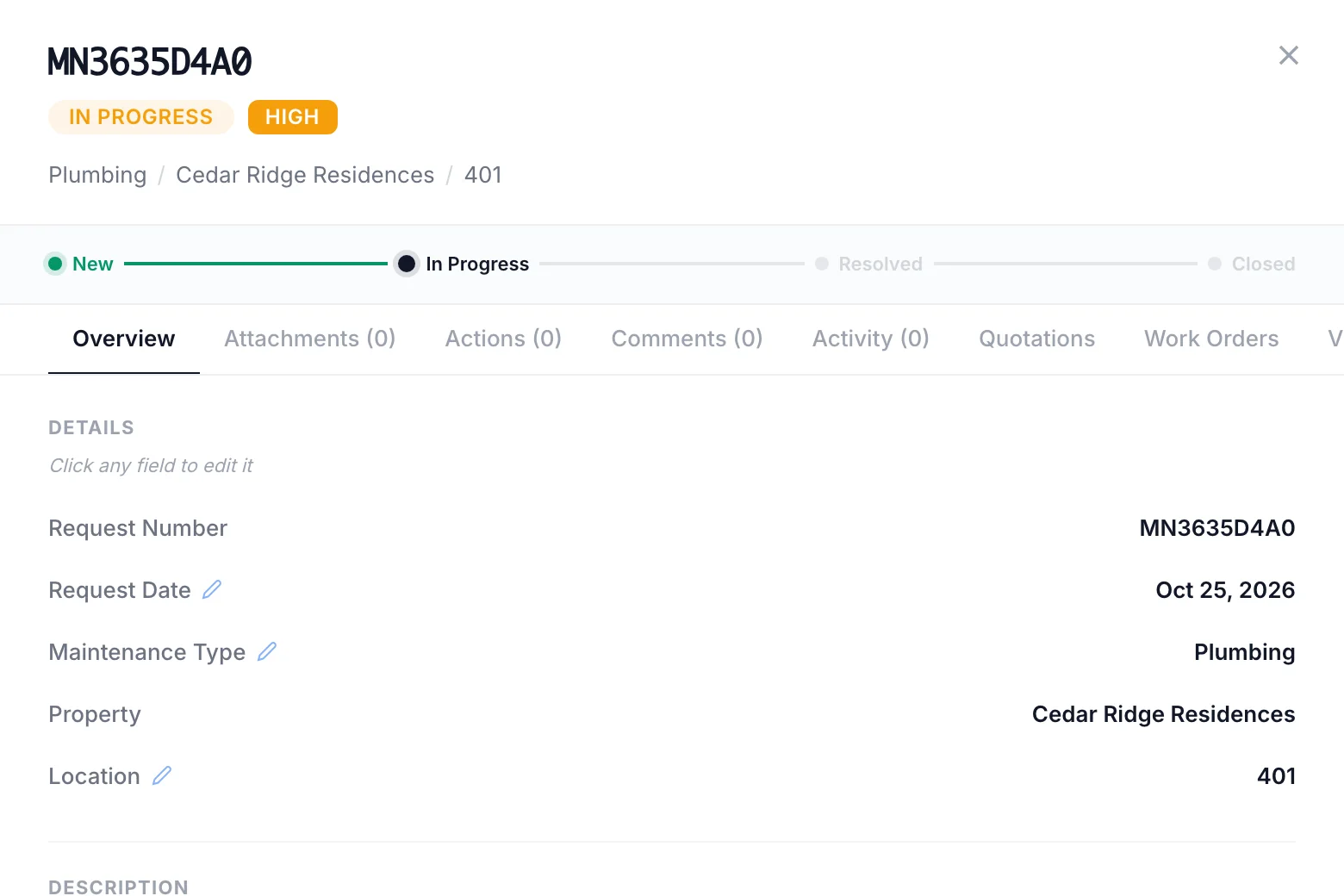
The owner reports it
One leak, with the unit and the priority. Your team moves the status as the work goes on.
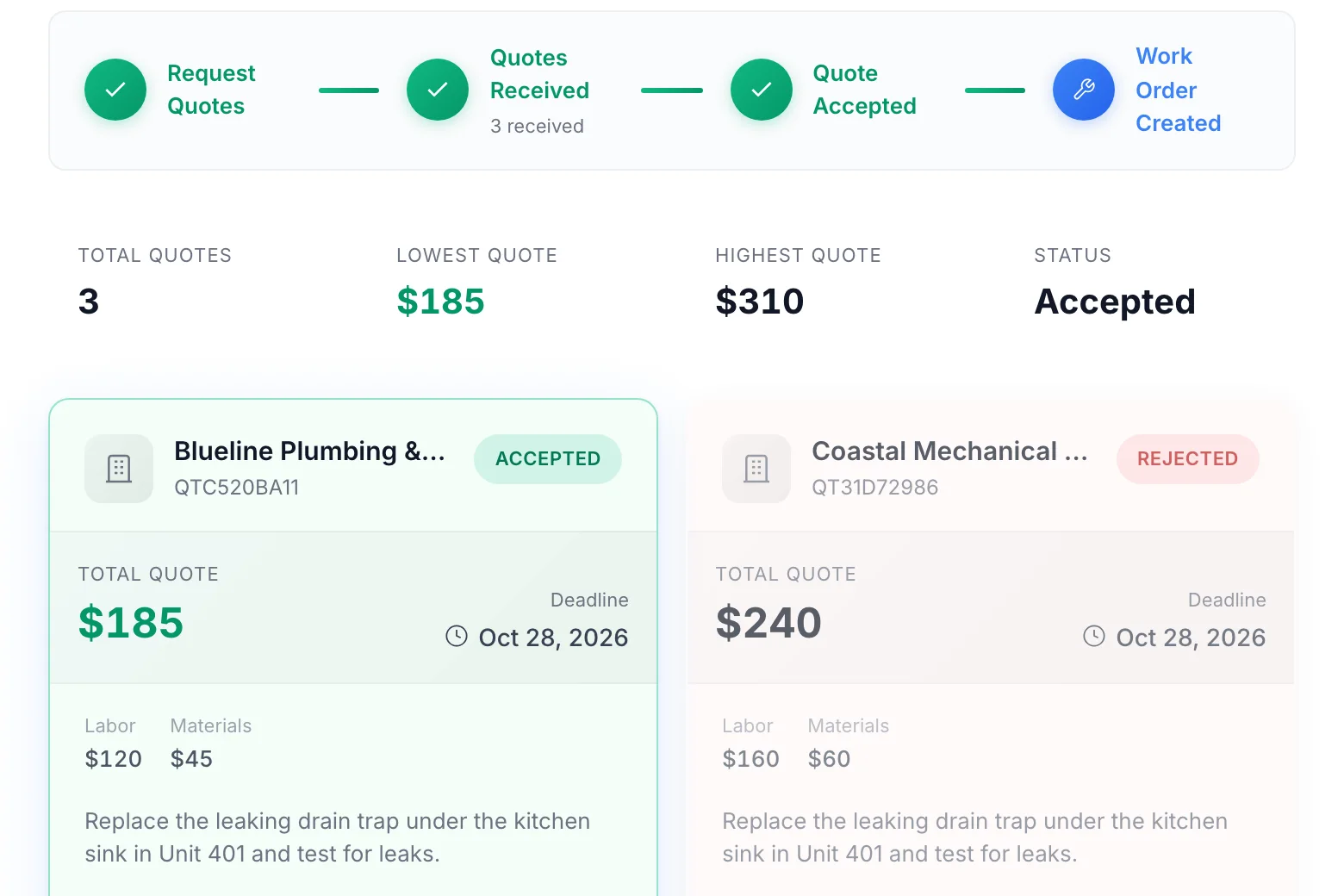
Vendors quote
They price the same job. You compare them side by side and accept one.
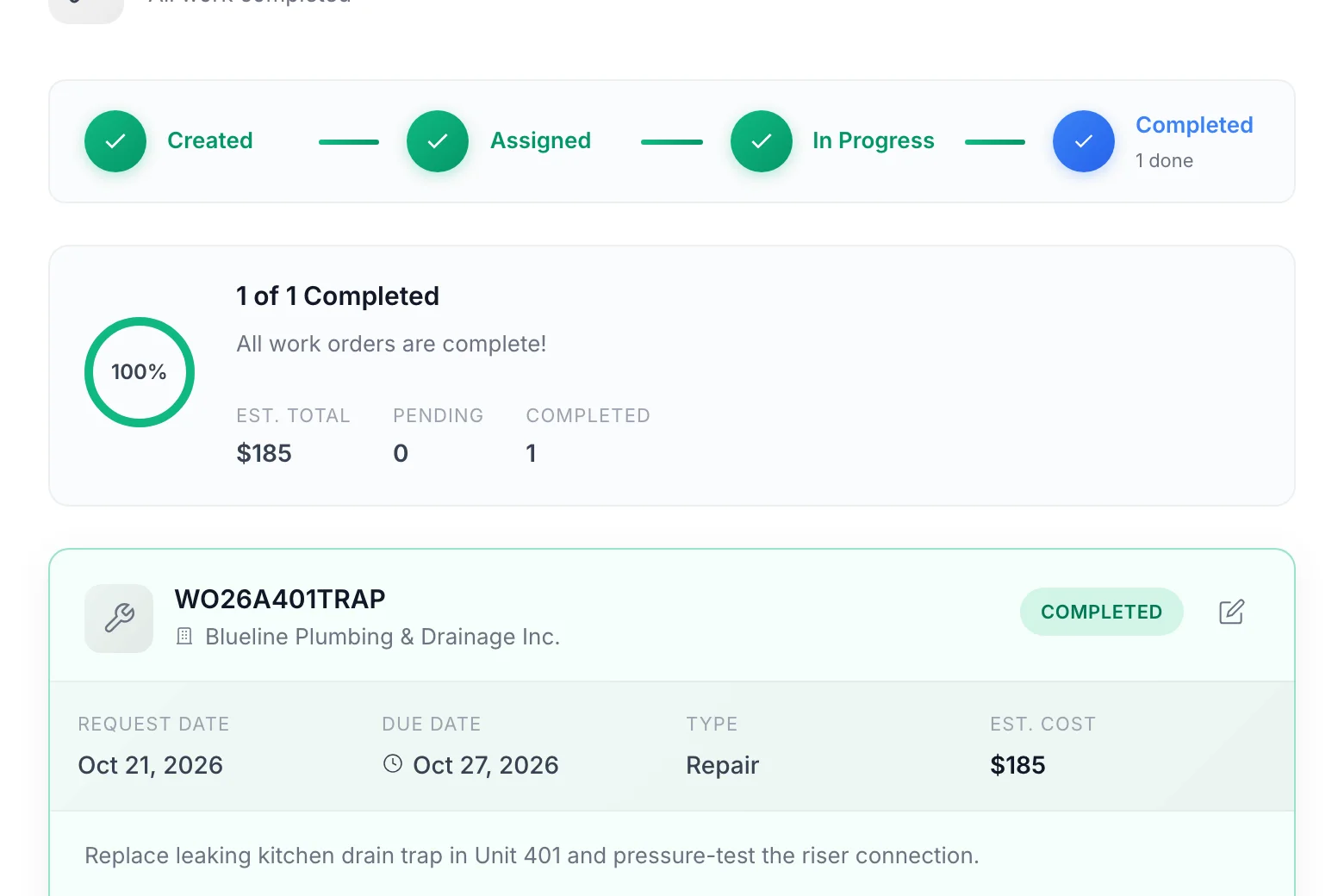
The vendor completes it
The accepted quote becomes their work order, tracked until the job is done.
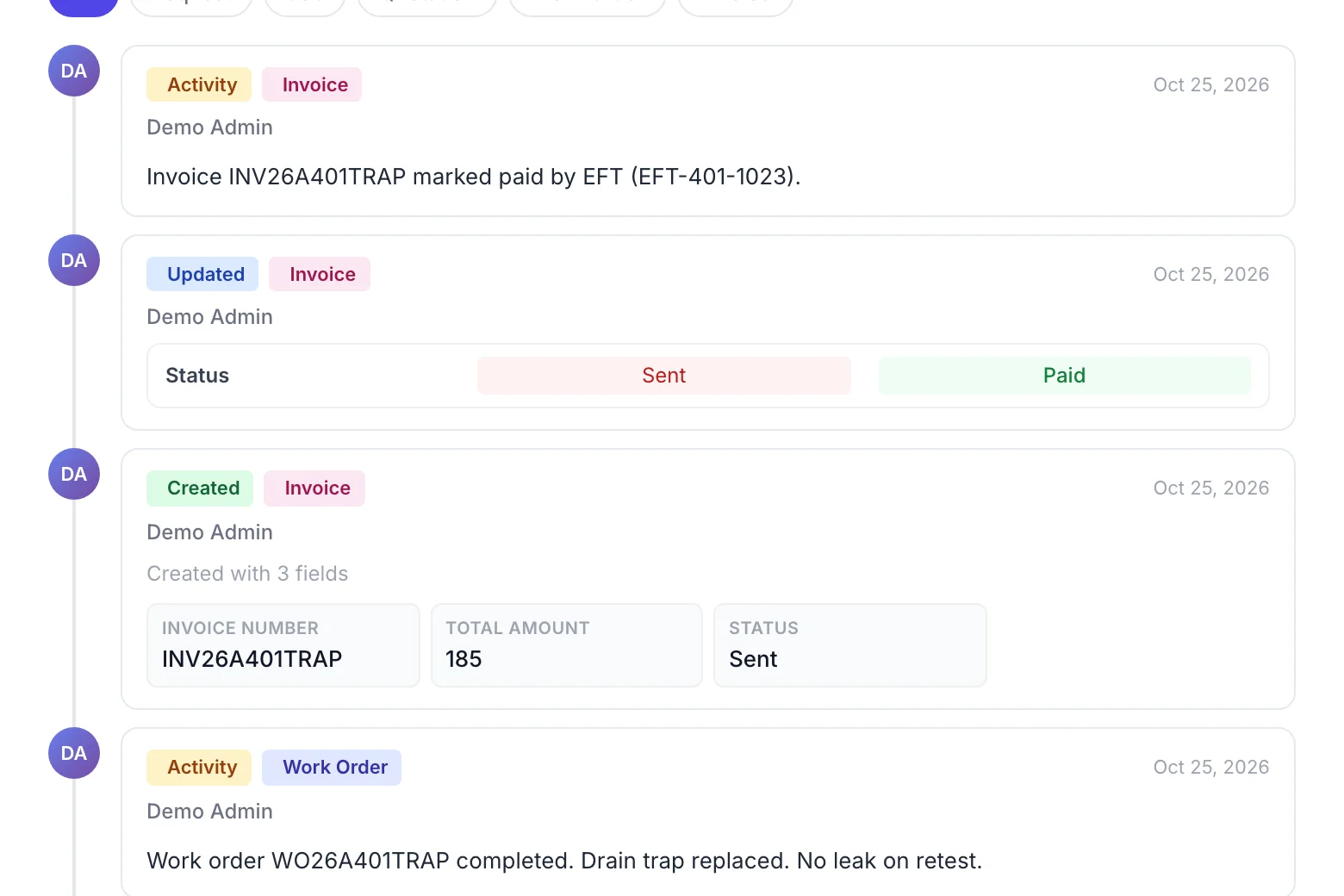
You record the invoice
It stays on this request, with who sent it and when it was paid.
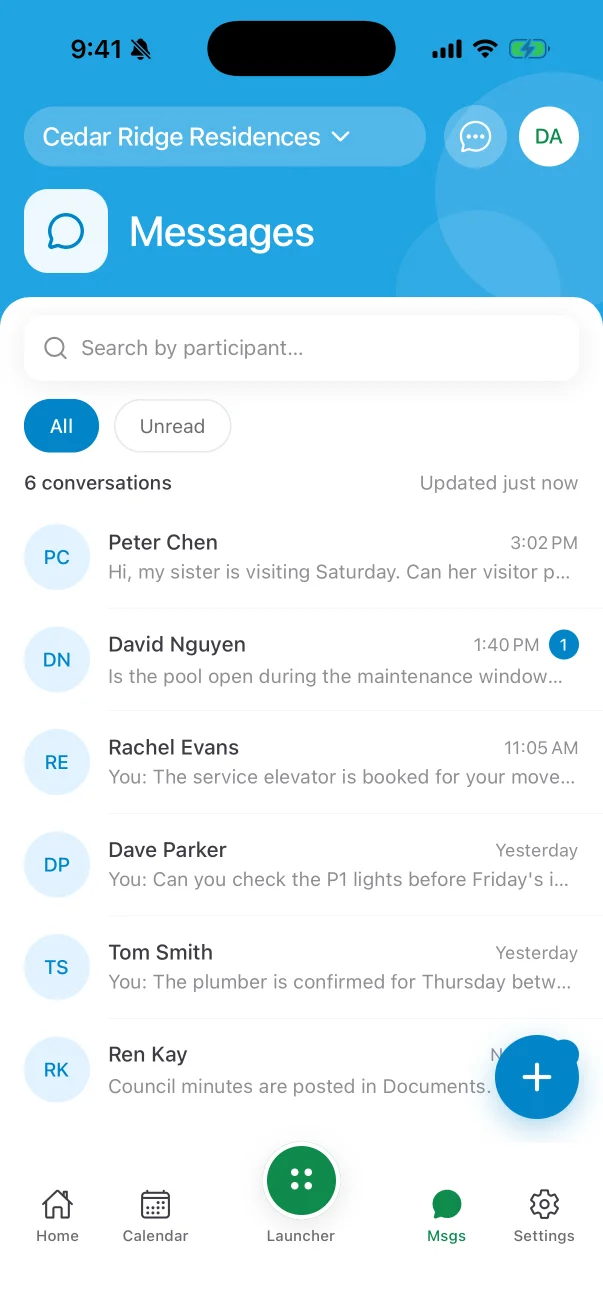
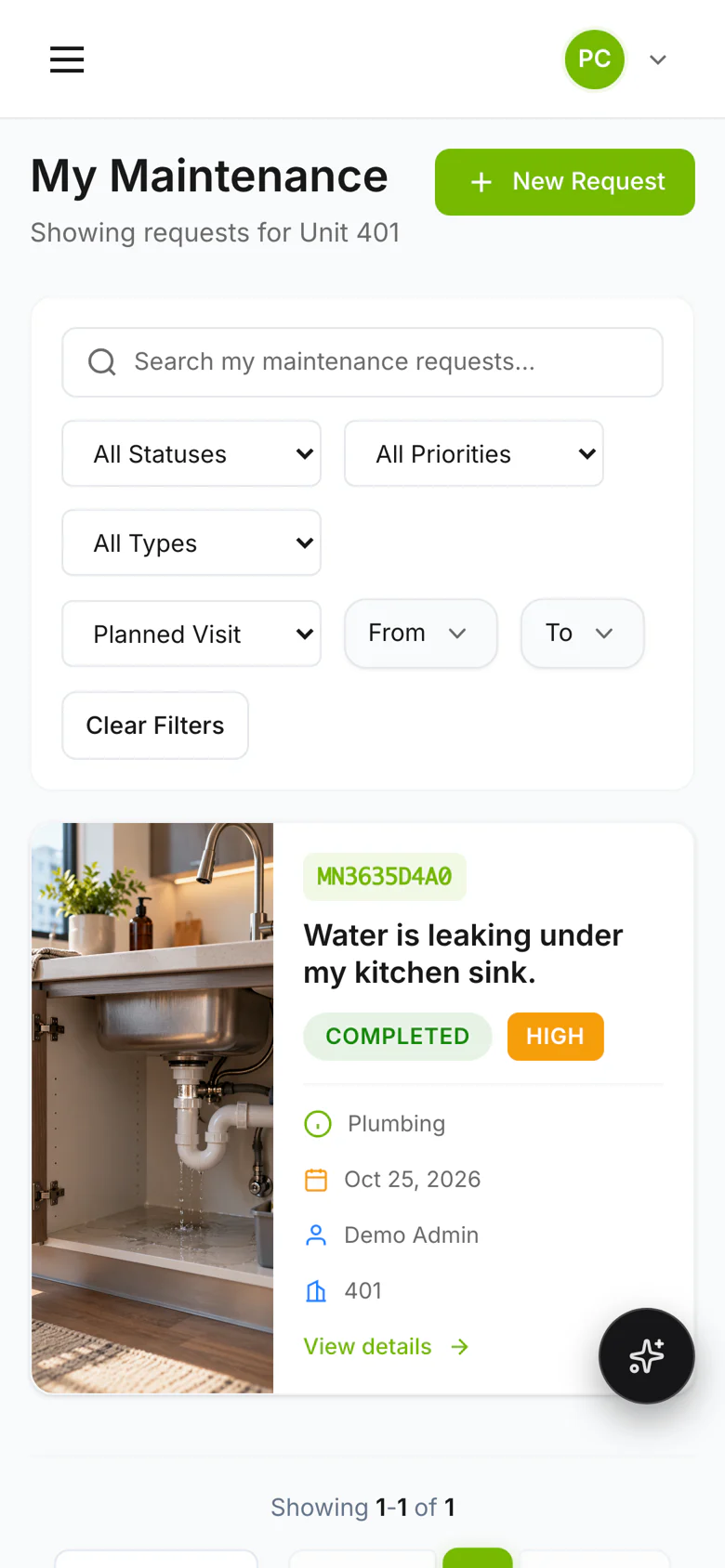
The owner sees it done
The same request, marked completed, on their phone.
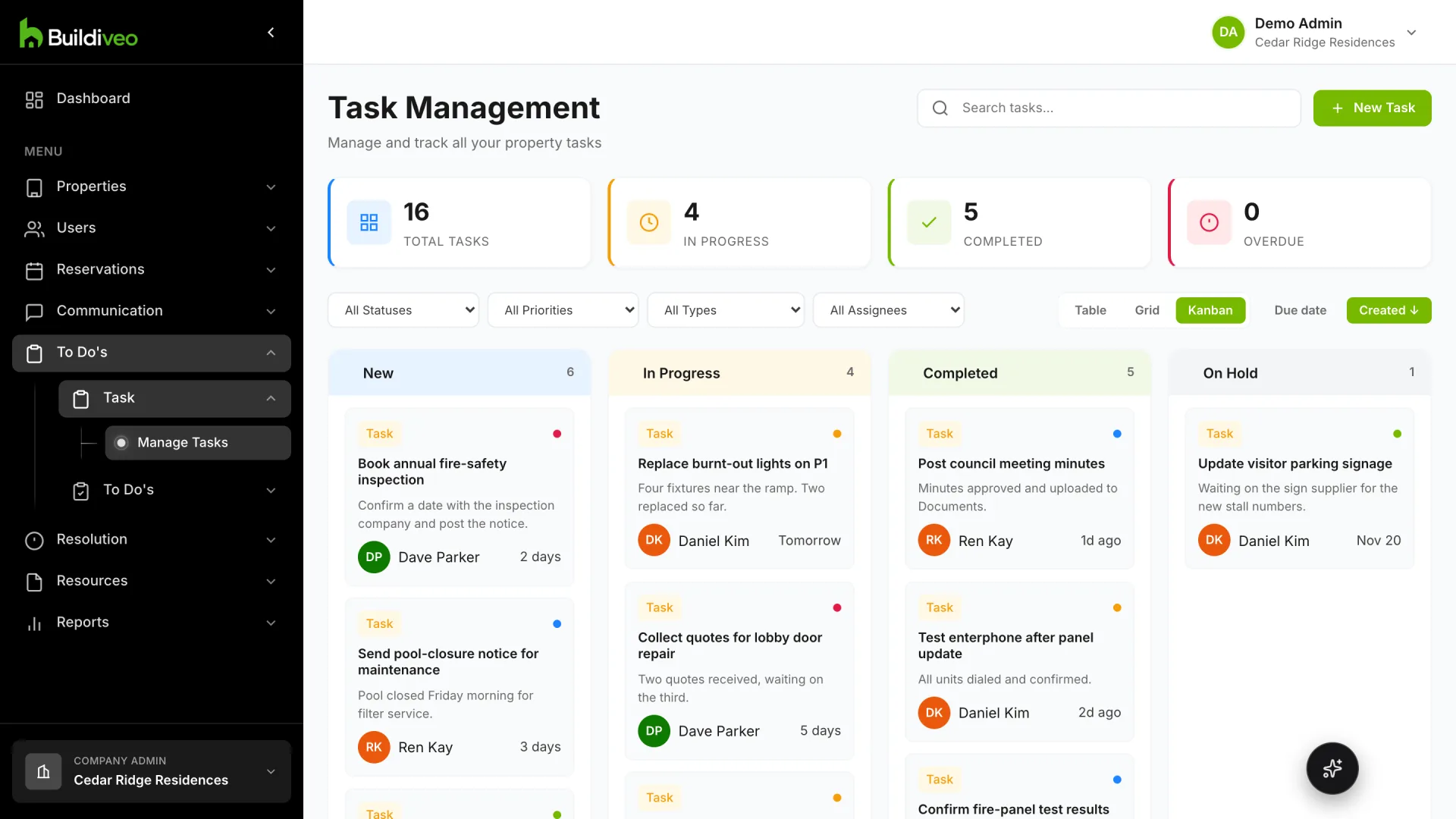
Every Bleo request ends up here as a record.
Requests, work orders, the front desk and resident records in one system.
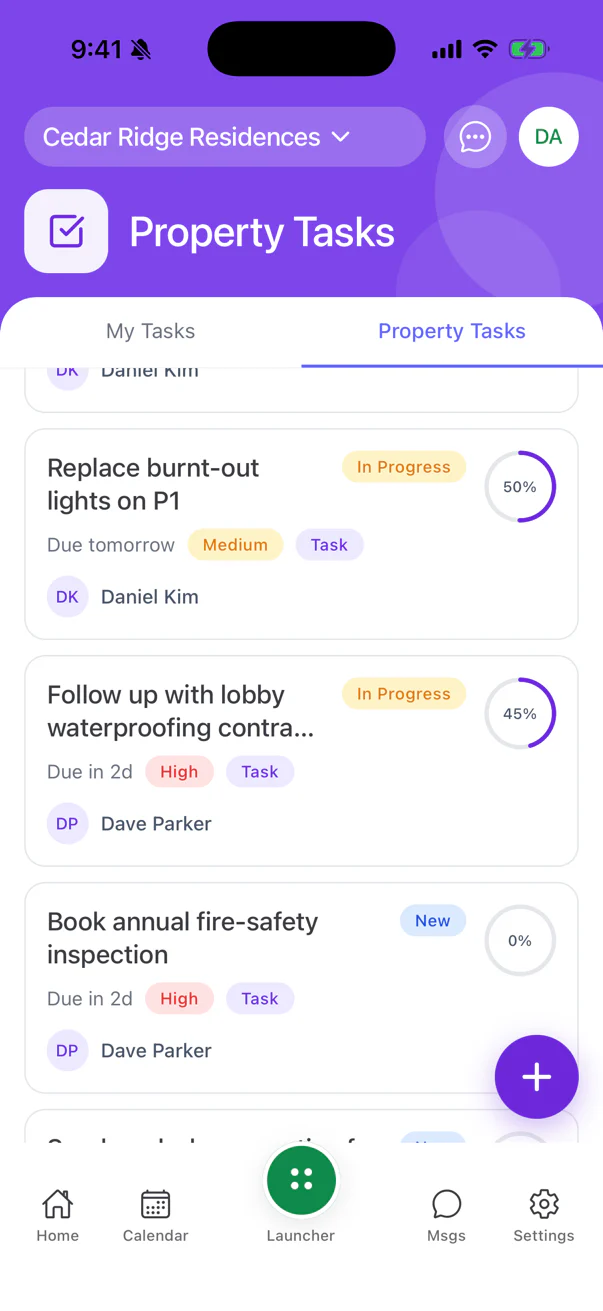
One request, from report to invoice
A leak is reported once. Vendors quote, you accept one, the vendor finishes the job, and the owner sees it done on their phone.
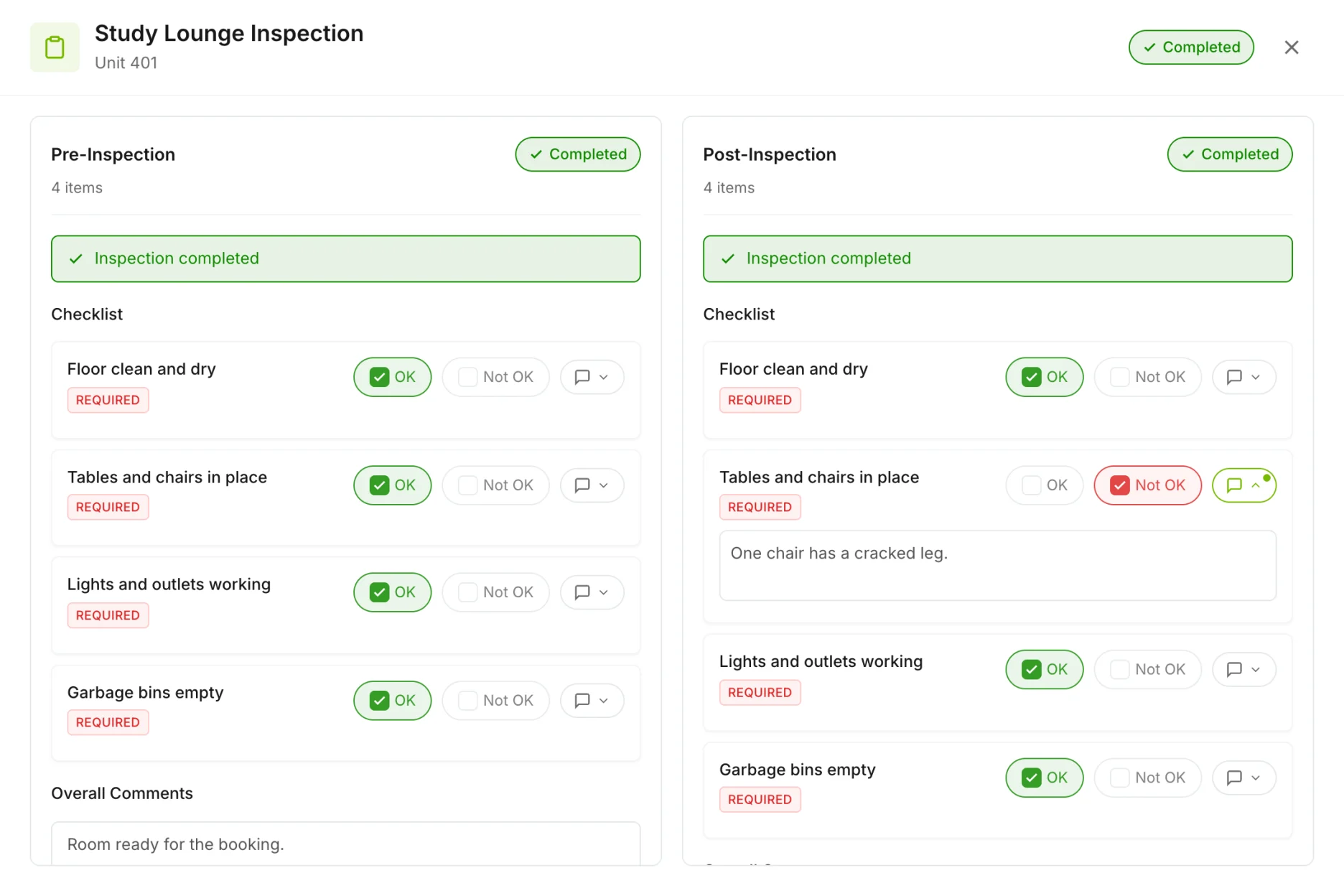
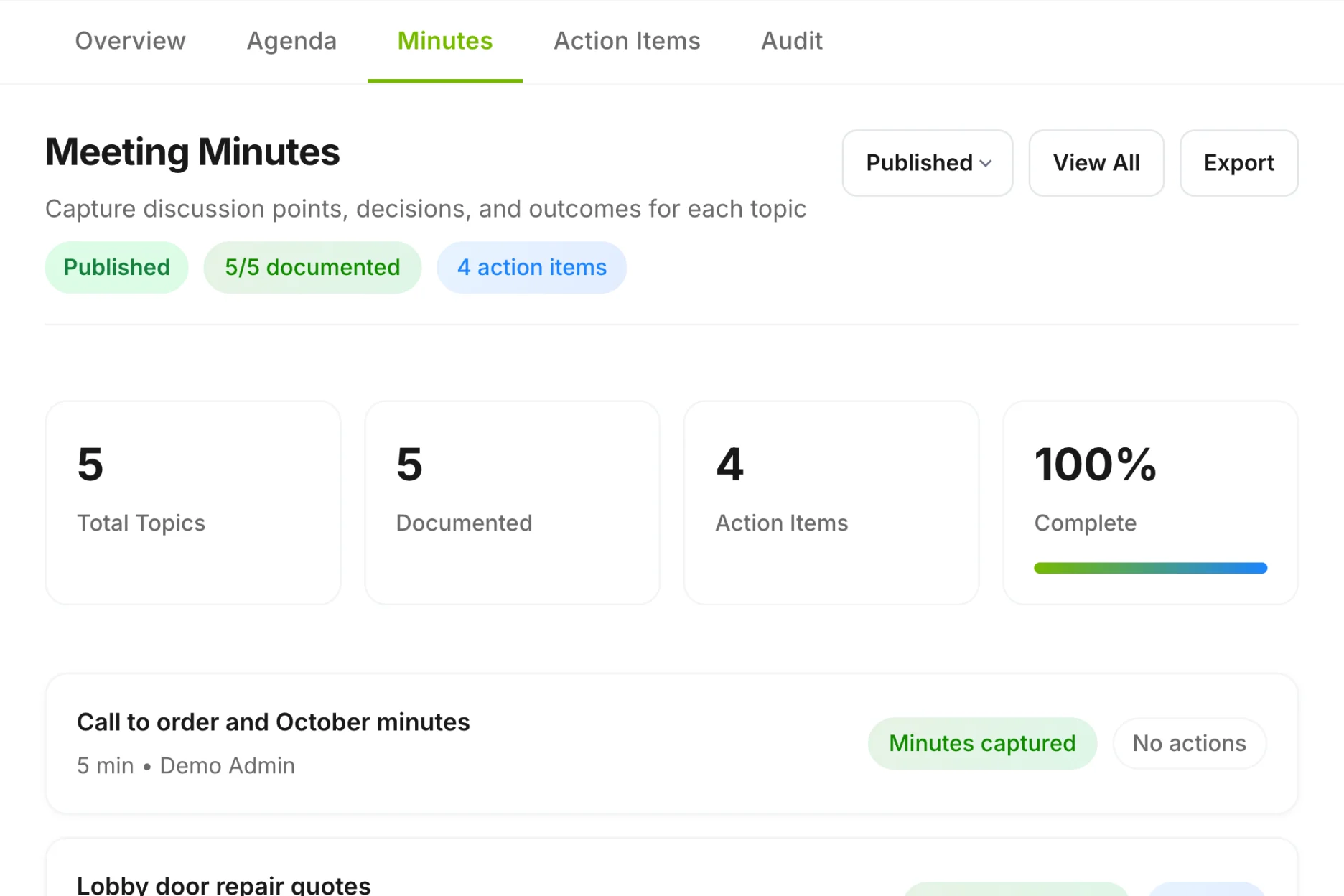
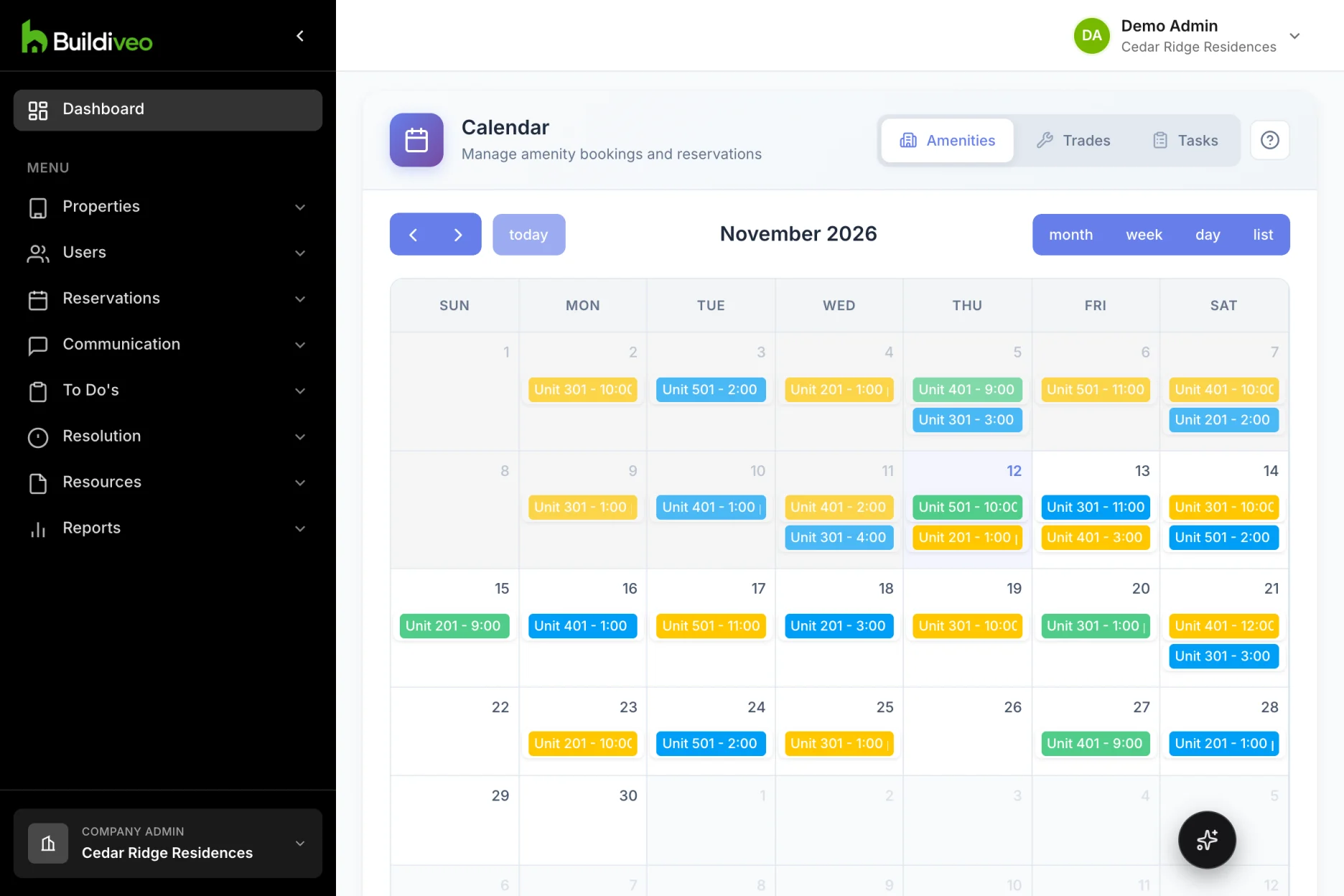
Inspections, minutes and calendars
A booking carries its inspections, a meeting carries its minutes, and the dates show on a calendar.
What it replaces
The spreadsheet, the binder and the inbox each have a place here.
The package spreadsheet
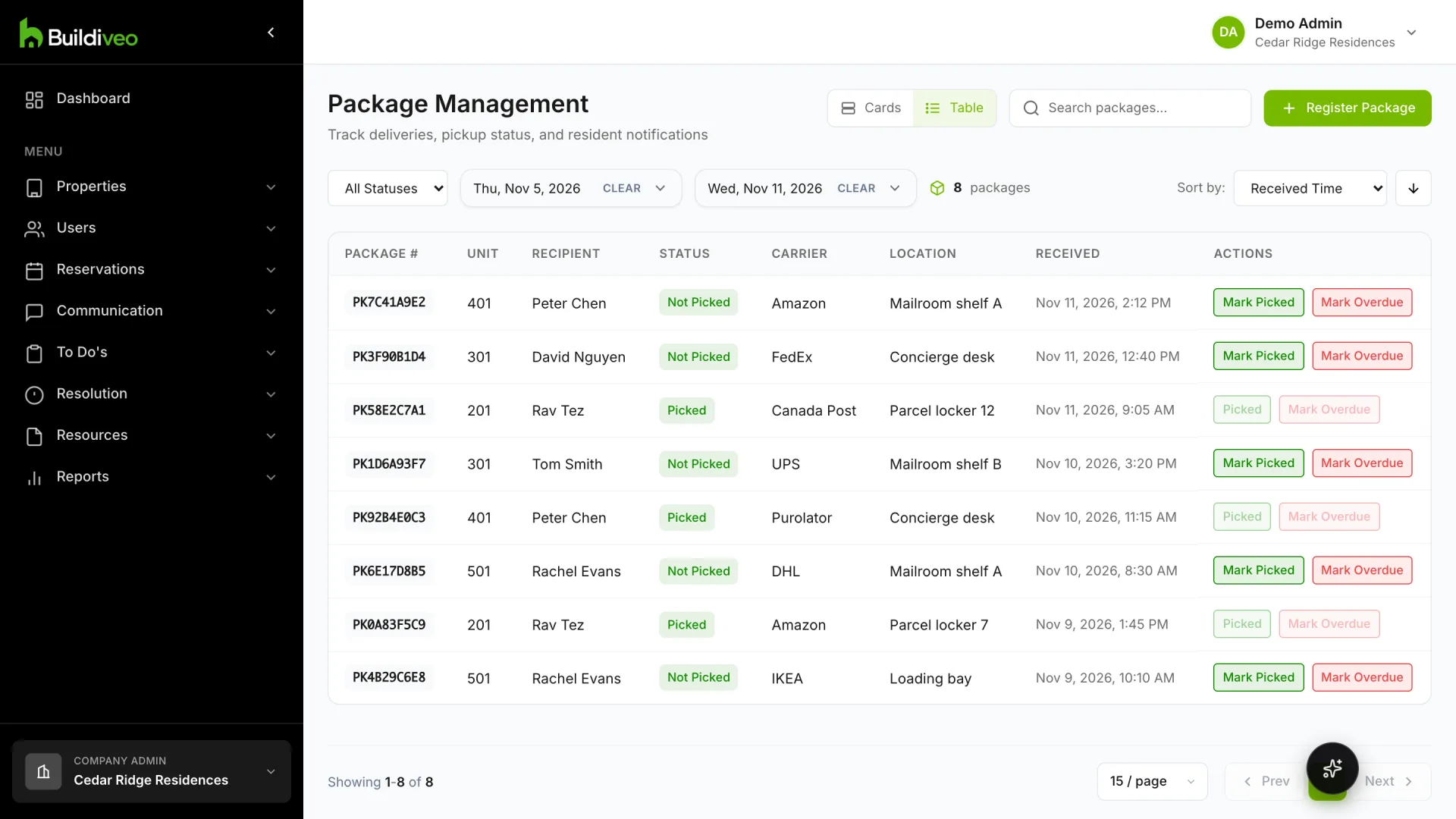
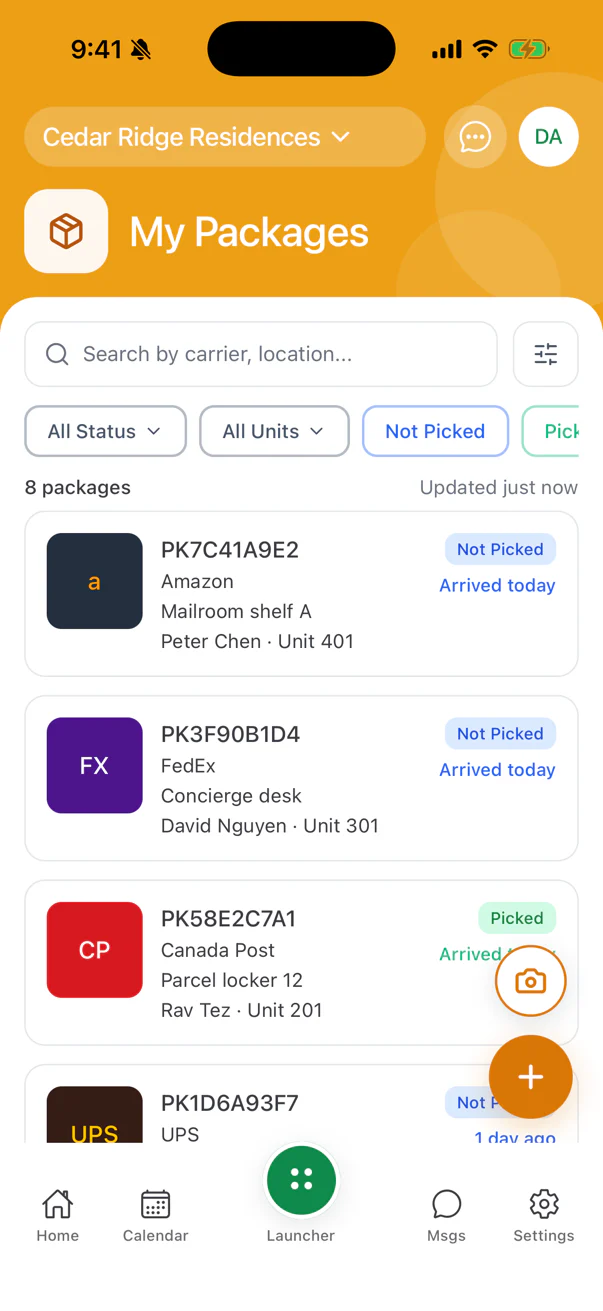
Packages
Deliveries logged, residents notified, pickups tracked.
The paper parking log
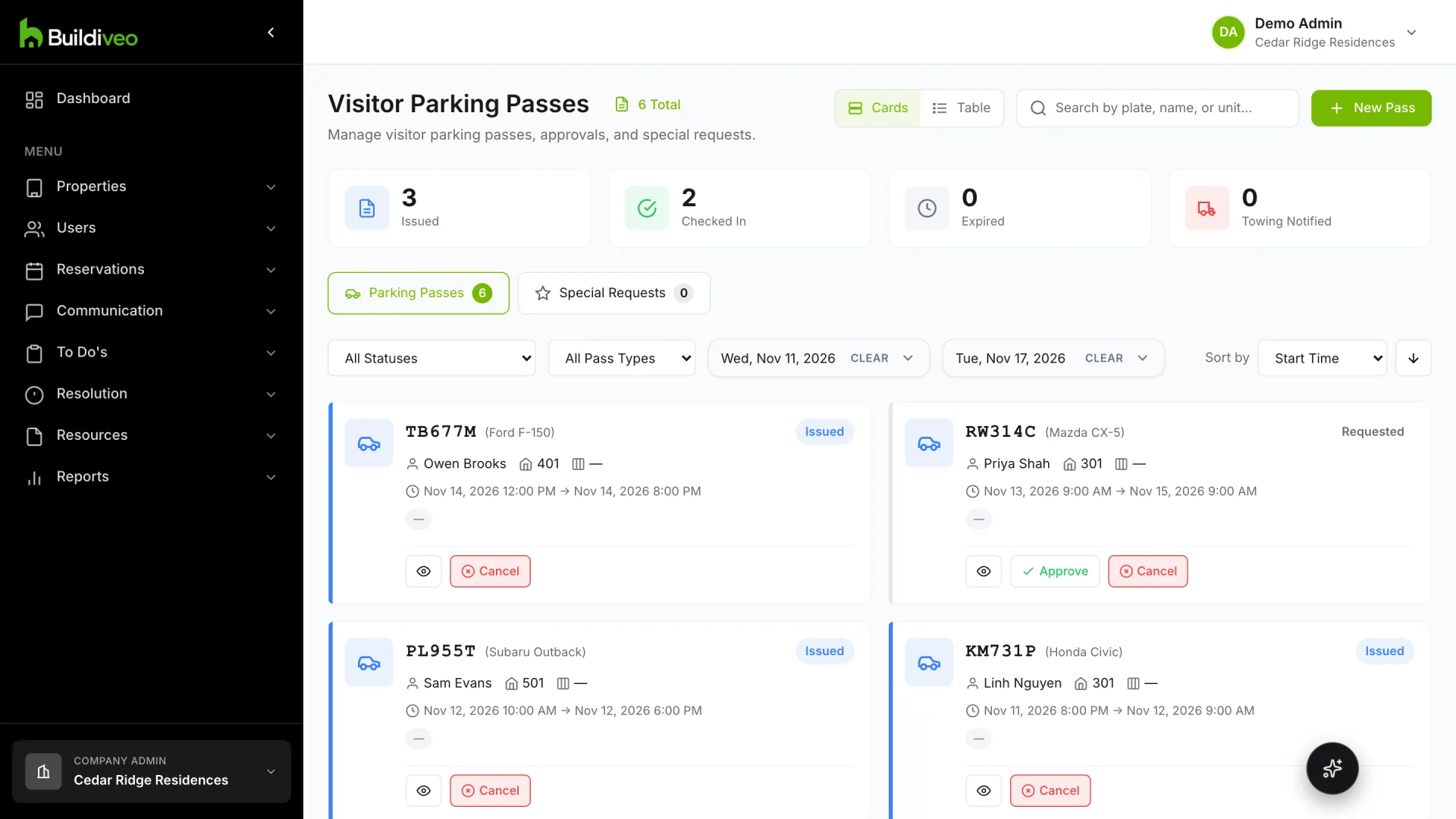
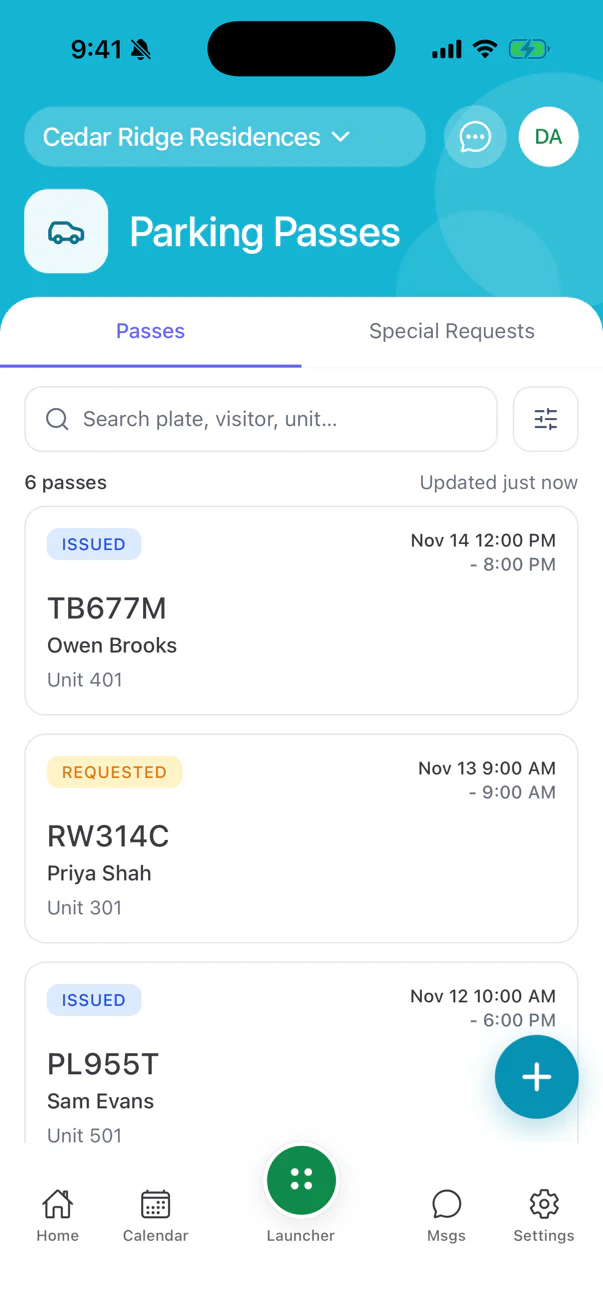
Visitor parking
Passes, plates and parking rules.
The email thread with the plumber
Maintenance
Requests, quotes, work orders and invoices.
The shared drive of bylaws
Strata documents
Bylaws, minutes and notices owners can find themselves.
The amenity sign-up sheet
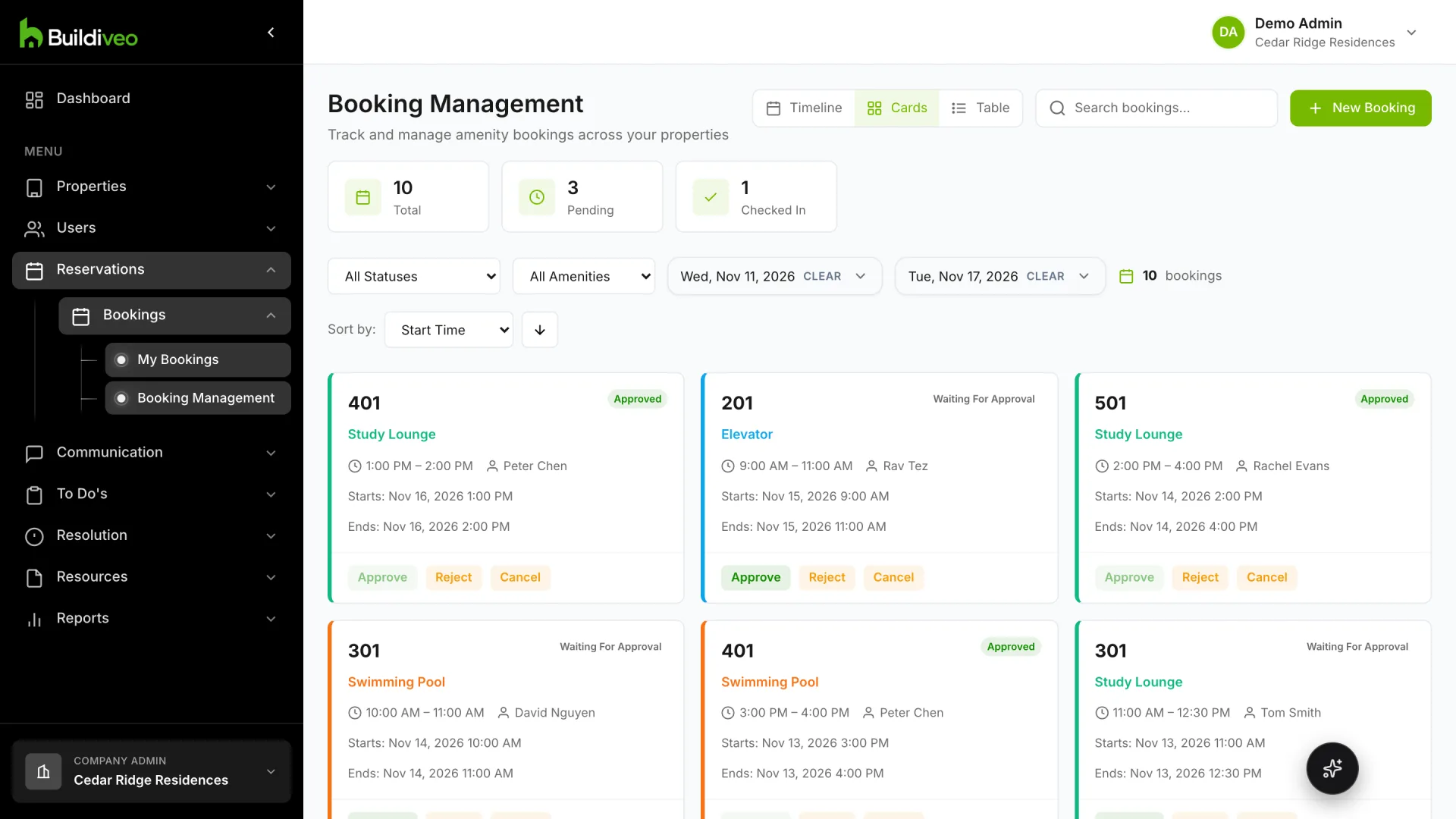
Amenity bookings
Reservations for shared spaces with rules you set.
The notice taped in the elevator
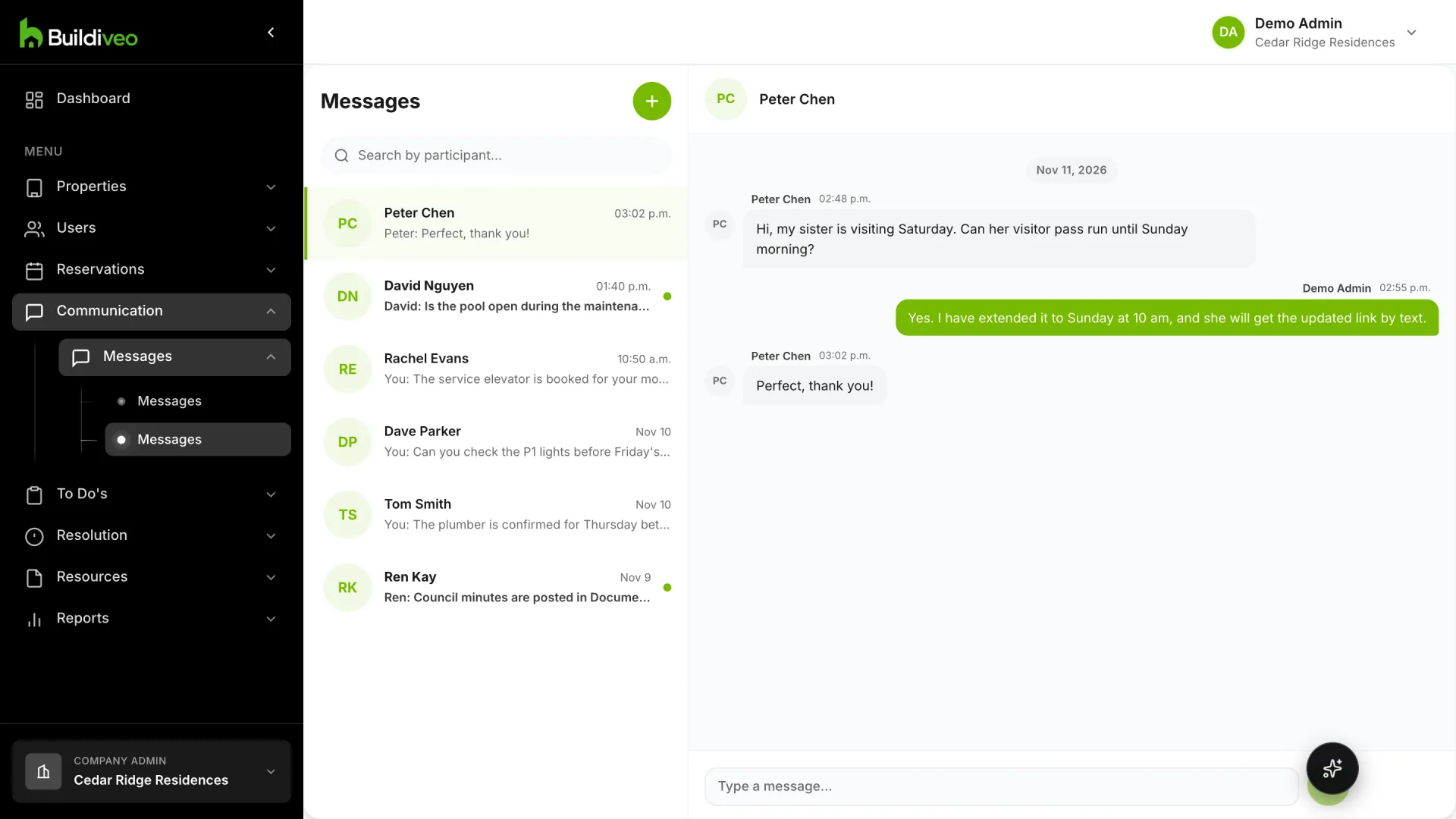
Announcements
Send updates to residents and see who has read them.
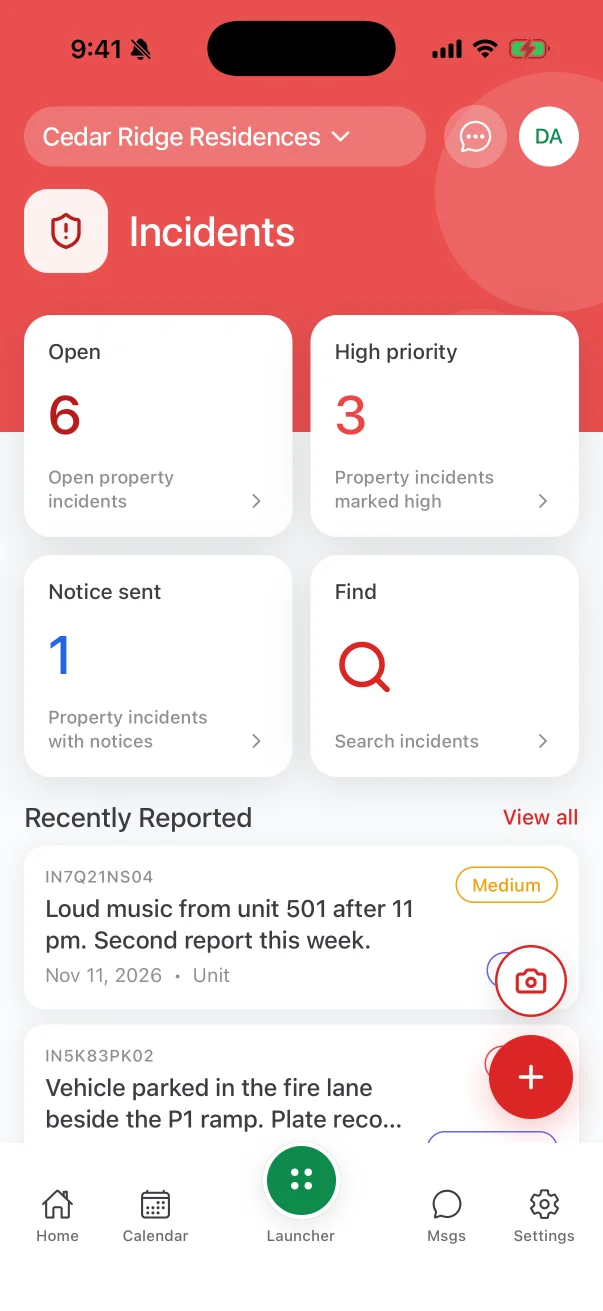
And 14 more: Complaints · Building information · Incidents · Inspections · Memorandums · Messages · Move-in and move-out · Service requests · Shifts · Surveys · Tasks · Units · Users · Vendor portal
16 request types owners can file by chat
An owner says what they need. Bleo picks the right form, asks for what is missing and sends your team a complete request.
- Access devices and fobs
- Add a tenant
- Agent authorization
- Accounting information
- Bicycle storage
- Enterphone
- Evacuation assistance
- EV charging station
- Flooring change
- Garden plot
- General information
- Move in
- Move out
- Renovation
- Pet registration
- Vehicle registration